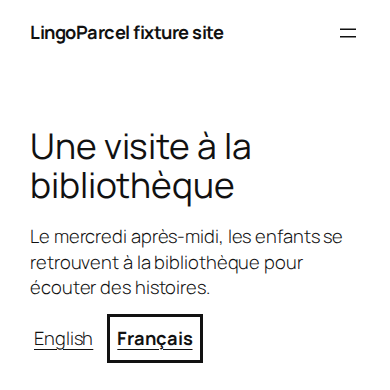
Your first translation
This example starts with an English WordPress site and adds French. You can use the same steps with your own language pair. First install WP LingoParcel Free and visit your original homepage once so your theme has loaded its navigation.
Choose English and French
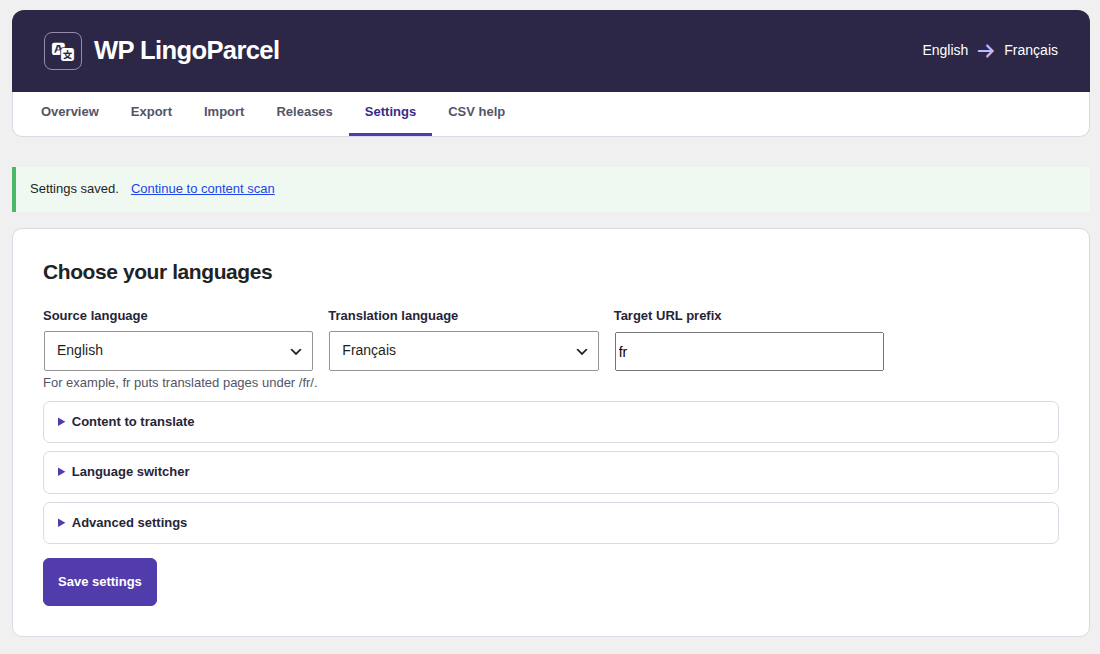
In the WordPress dashboard, open WP LingoParcel → Choose languages. On a site you have already set up, open Settings. Set Source language to English and Translation language to Français. The plugin fills in the French URL prefix, fr.
Scan and export
Under Content to translate, select the public content types you need and choose Save settings. Follow Continue to content scan → Scan selected content. When the scan finishes, choose Continue to export → Prepare CSV export and then Download CSV.
Keep an untouched copy. Send the spreadsheet and the editing instructions to your translator. For a first page, complete its title, paragraphs and any required shared text listed by the plugin.
Check the returned file
Open Import, choose the file under Translated CSV and select Upload and validate. Open Review CSV rows if any rows need attention. If the original wording changed during translation, export a fresh spreadsheet and review the affected rows.
Preview and publish
Choose Go to previews and publication and open the private Preview for your page while signed in. Check the title, line breaks and links. When you are ready, return to the import screen, confirm publication and select Publish translations.
When processing finishes, open View published pages and use View translated page. Place the Language switcher block where readers can find the translation. For a classic menu, enable the switcher under Settings → Language switcher.